
If you need to resume an encounter from where you left off or add information you missed, you can continue a previous session in the Medulla web app or the side drawer in your EMR.
Follow the steps below:
Open the encounter you want to continue in the Medulla web app or side drawer.
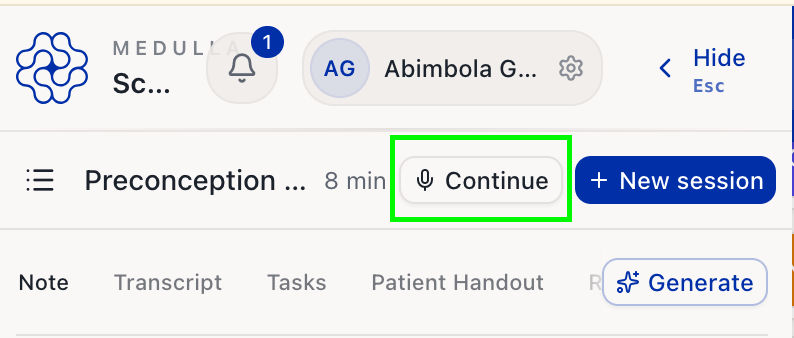
Click Continue recording in the web app or Continue in the side drawer.

Click Start recording.
Continue the encounter or dictate the additional information.
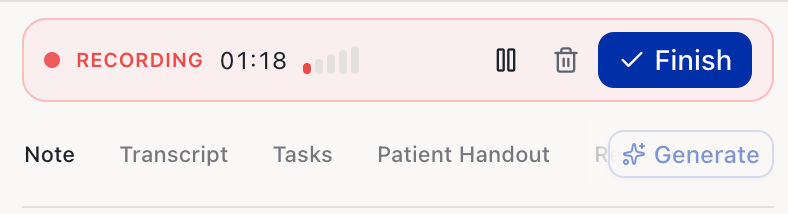
When you’re done, click Finish and confirm.
The new recording is added to the same session, and pp