Welcome to Medulla! This guide will walk you through creating your Medulla account so you can get started in just a few minutes.
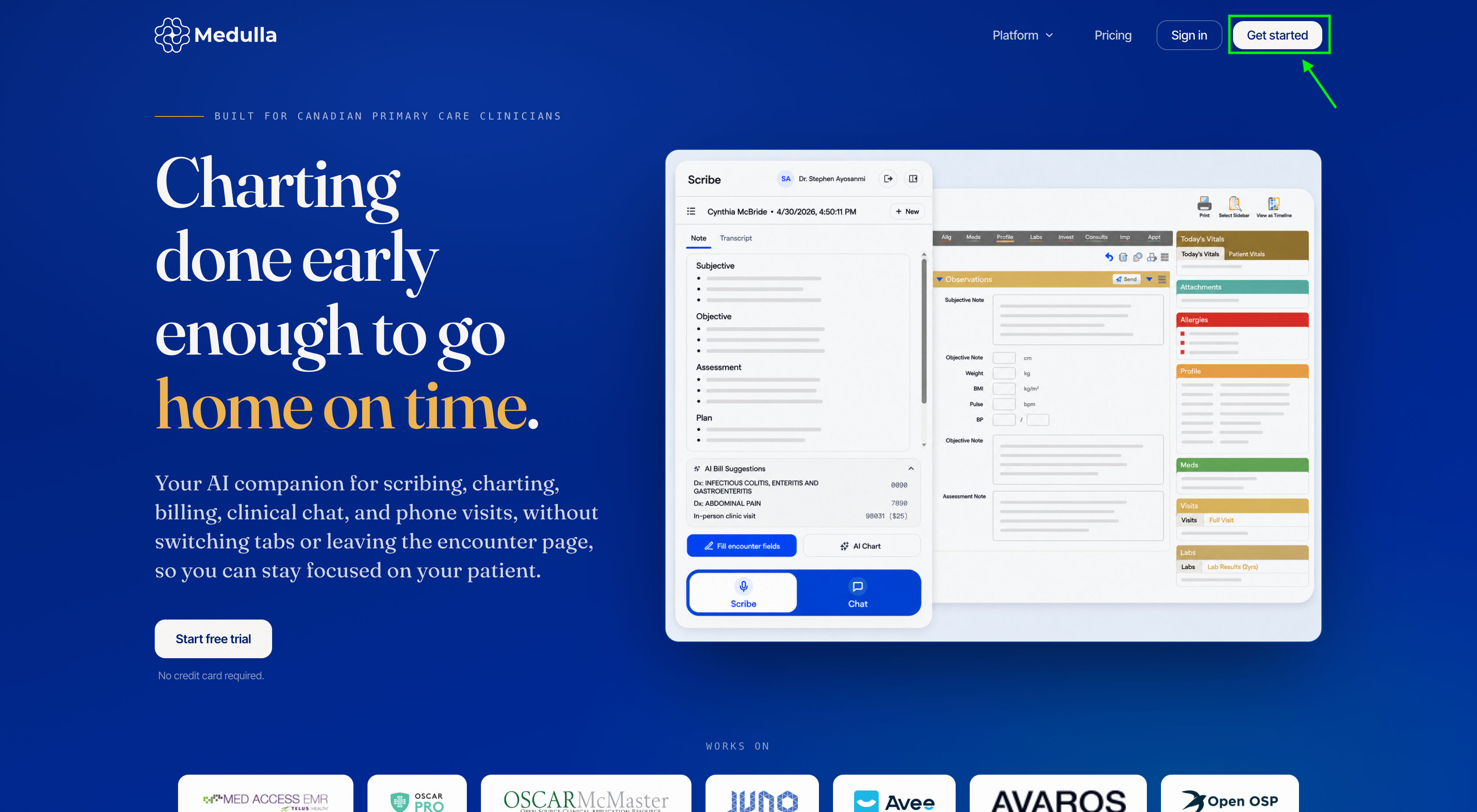
Visit medulla.ca and click Get started.
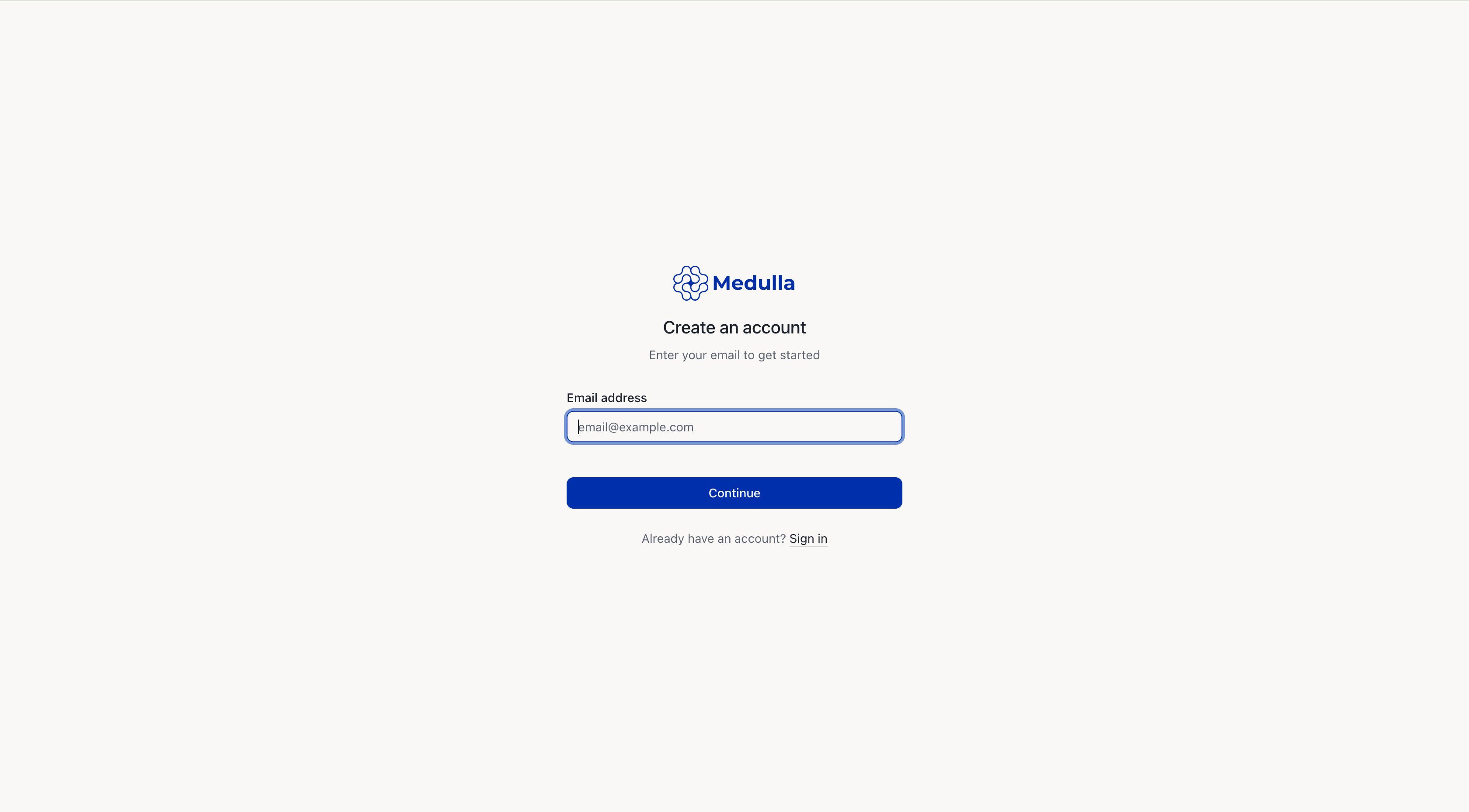
This will take you to the sign-up page below, where you will need to enter your email address. Then click Continue with email.
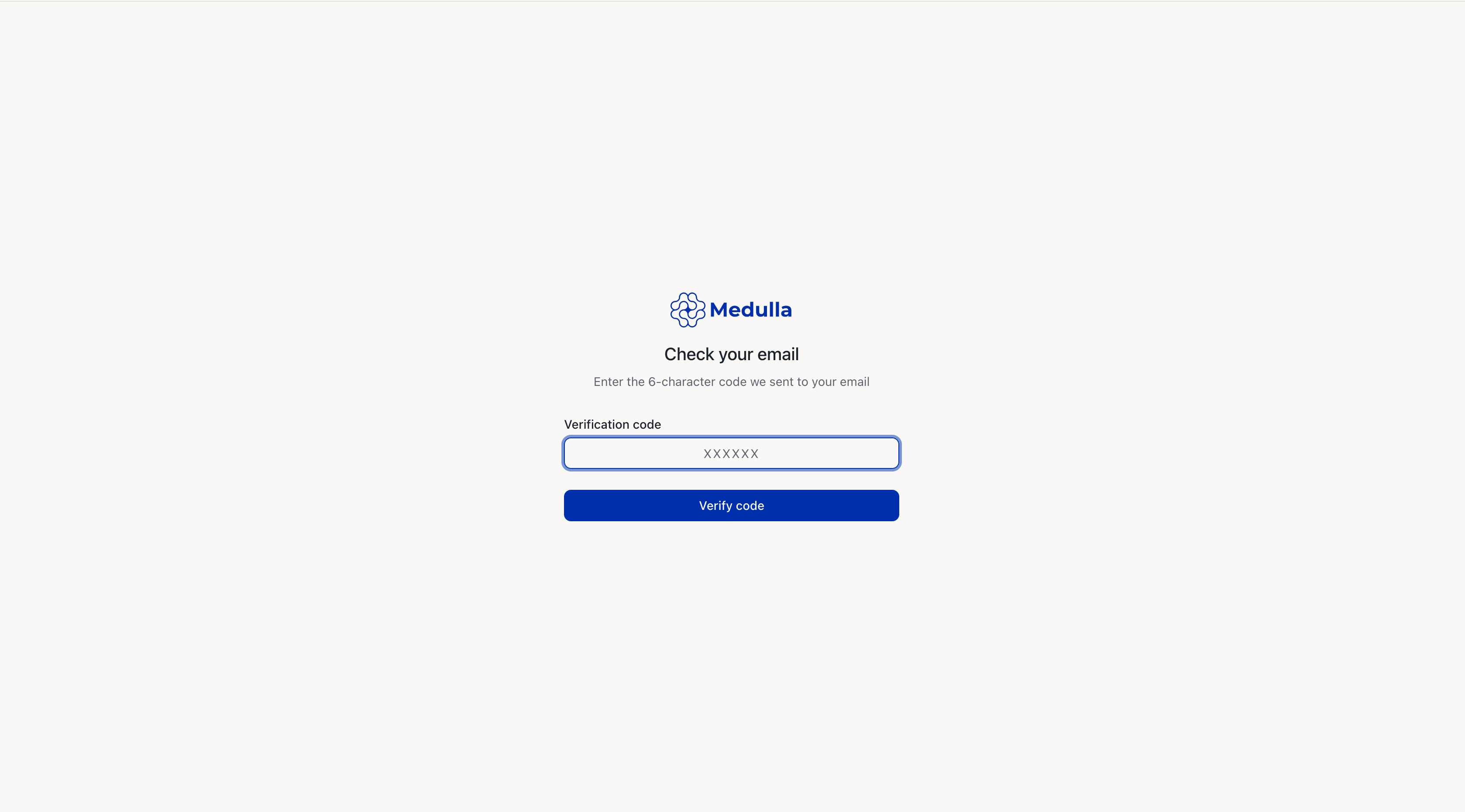
You should receive a 6-character code in your email inbox. Enter the code and click Verify code.
-
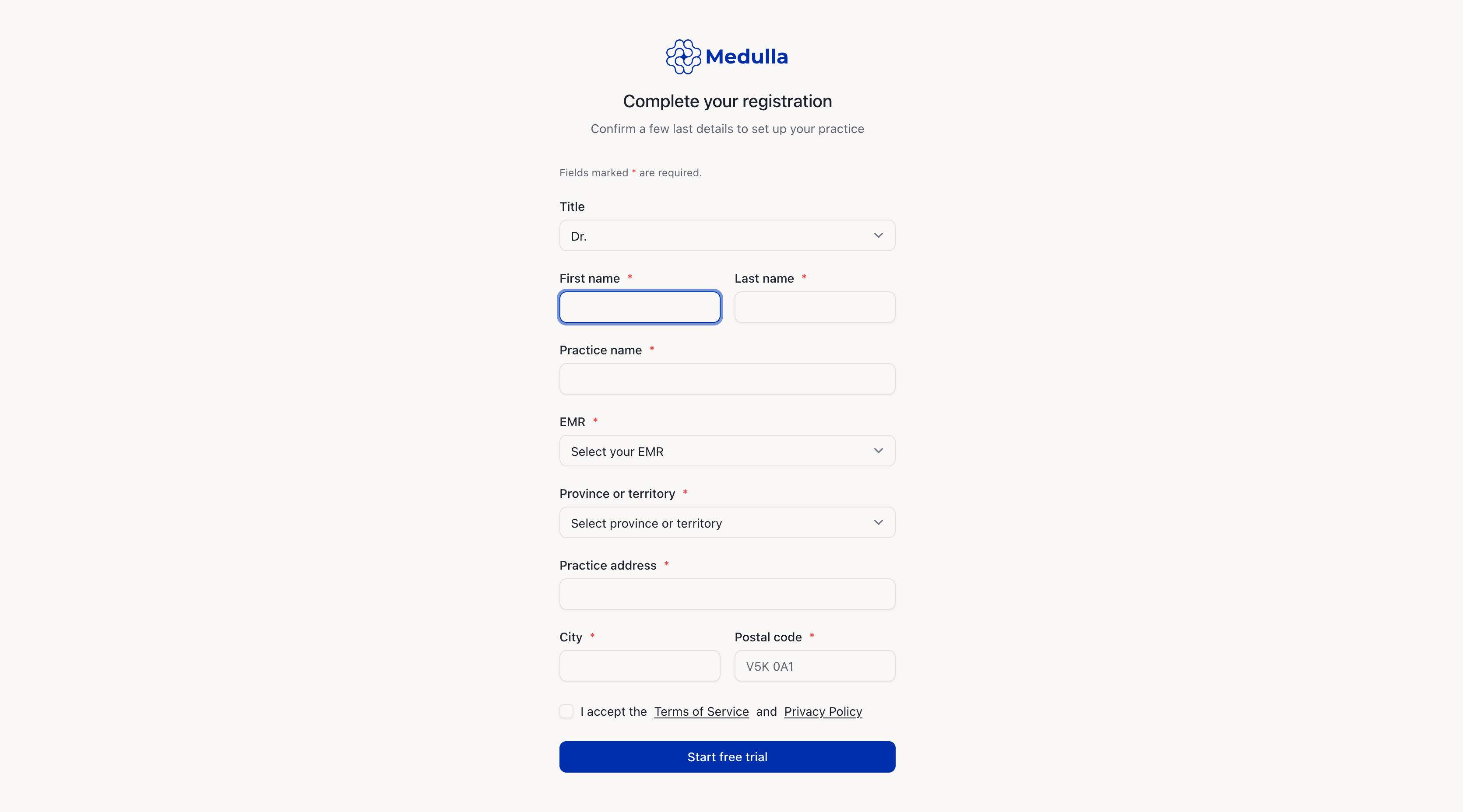
Then proceed to fill out the fields.
Title
First and last names
Practice name
Select your EMR from the dropdown
Province/territory
Practice address
City and postal code
Please note that the asterisked fields are mandatory.
Once you've completed all required fields and accepted the Terms of Service and Privacy Policy, click Start free trial.