
If your Medulla browser plugin is not loading correctly, removing and reinstalling it usually fixes the problem. This clears out the plugin's local data and gives you a fresh install.
Go to chrome://extensions in your browser's address bar.
-
Find Medulla in your list of extensions and click Remove. Confirm by clicking Remove again in the popup.
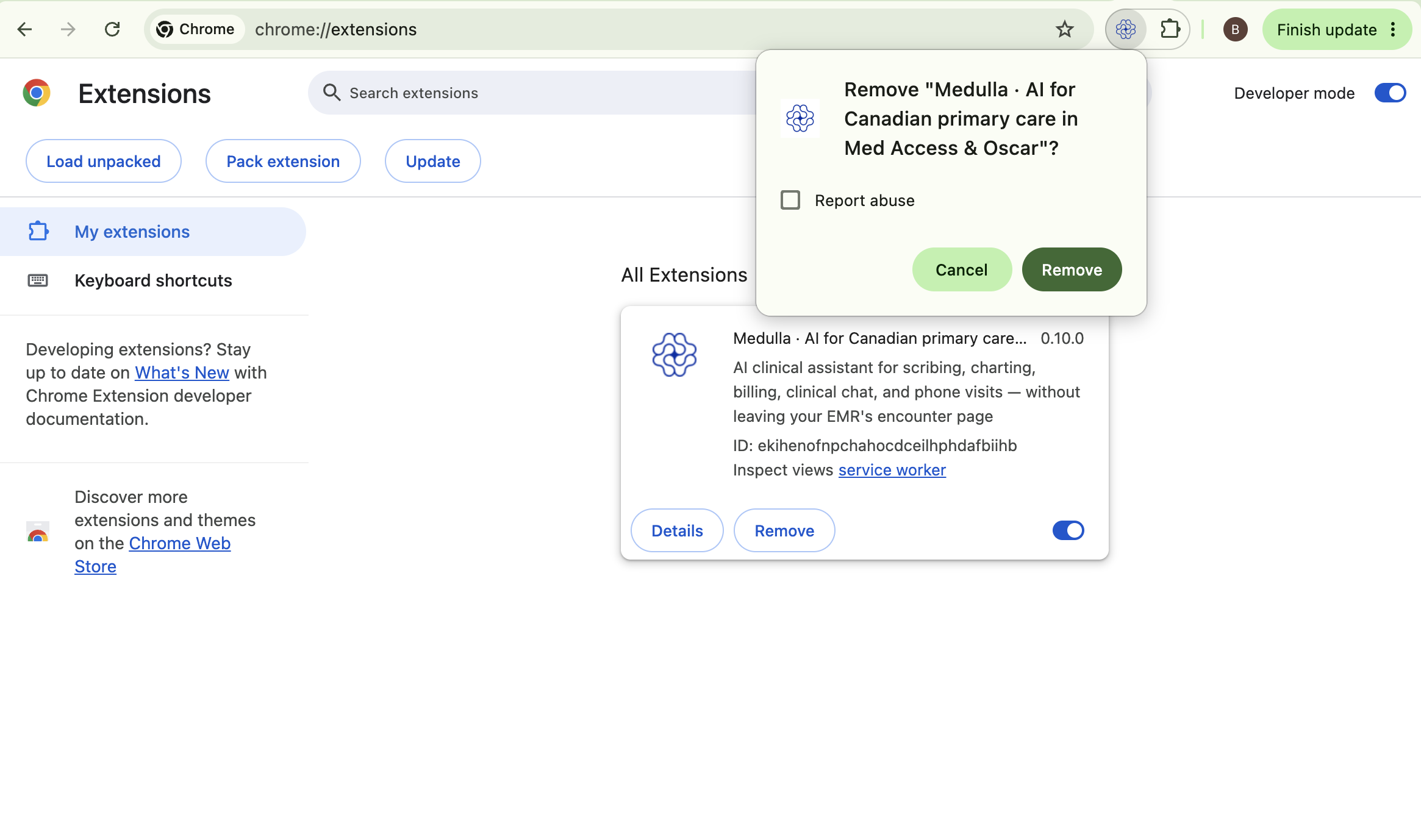
Confirm removal of the Medulla plugin -
Once removed, click the Chrome Web Store link on the same page.
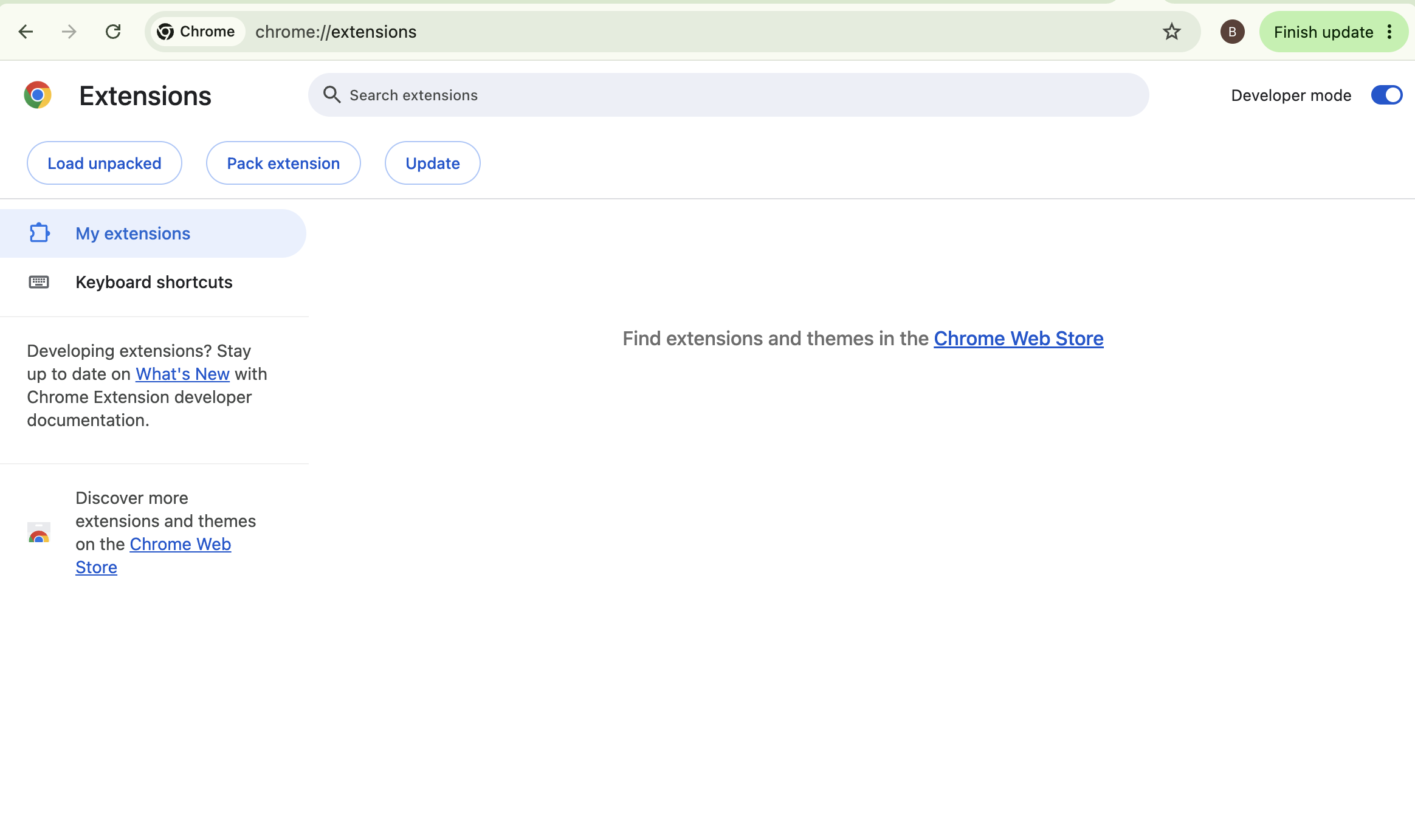
Open the Chrome Web Store to reinstall -
In the search bar, type Medulla AI and select the Medulla · AI for Canadian primary care result from the dropdown.
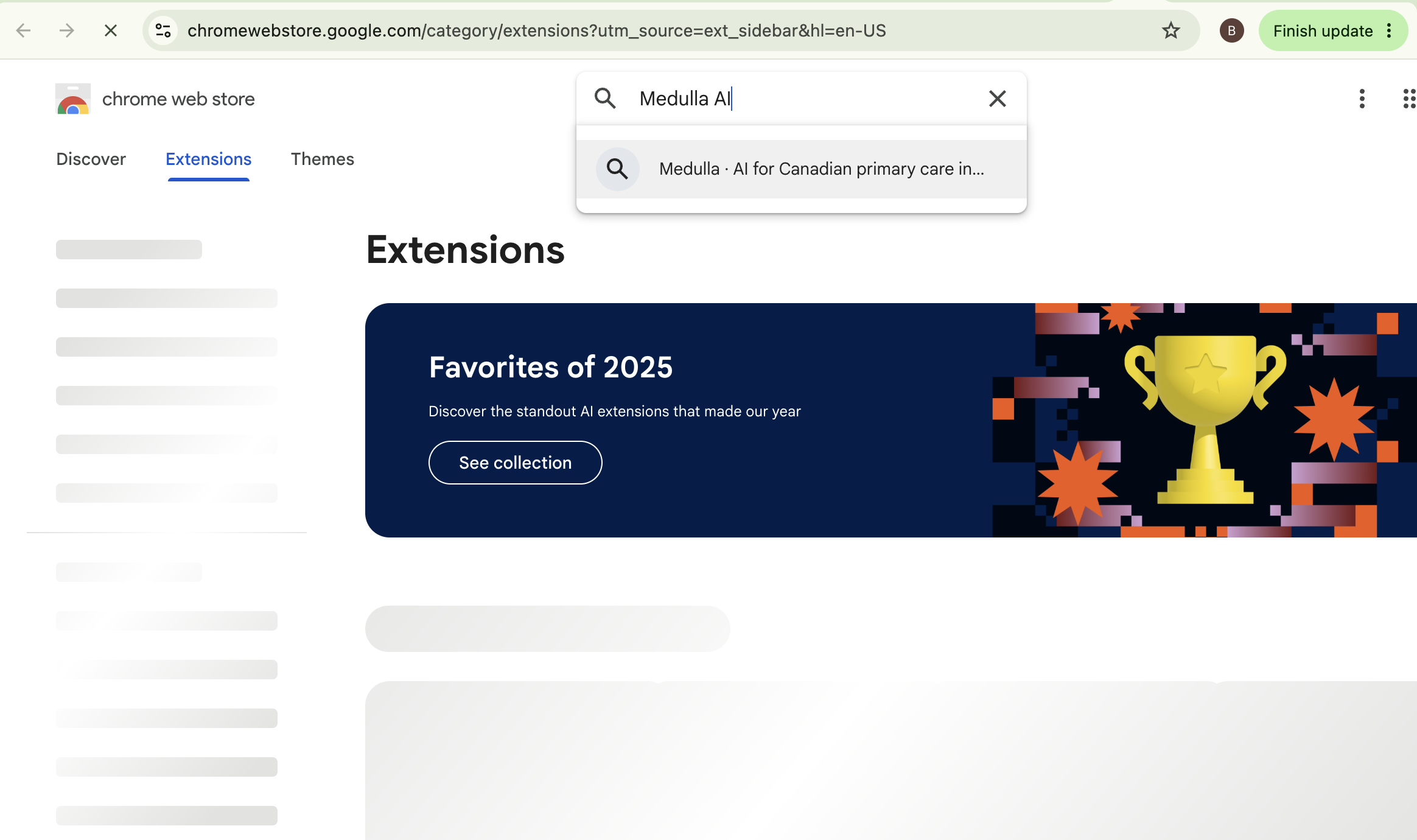
Search for “Medulla AI” -
Click the Medulla result to open its listing.
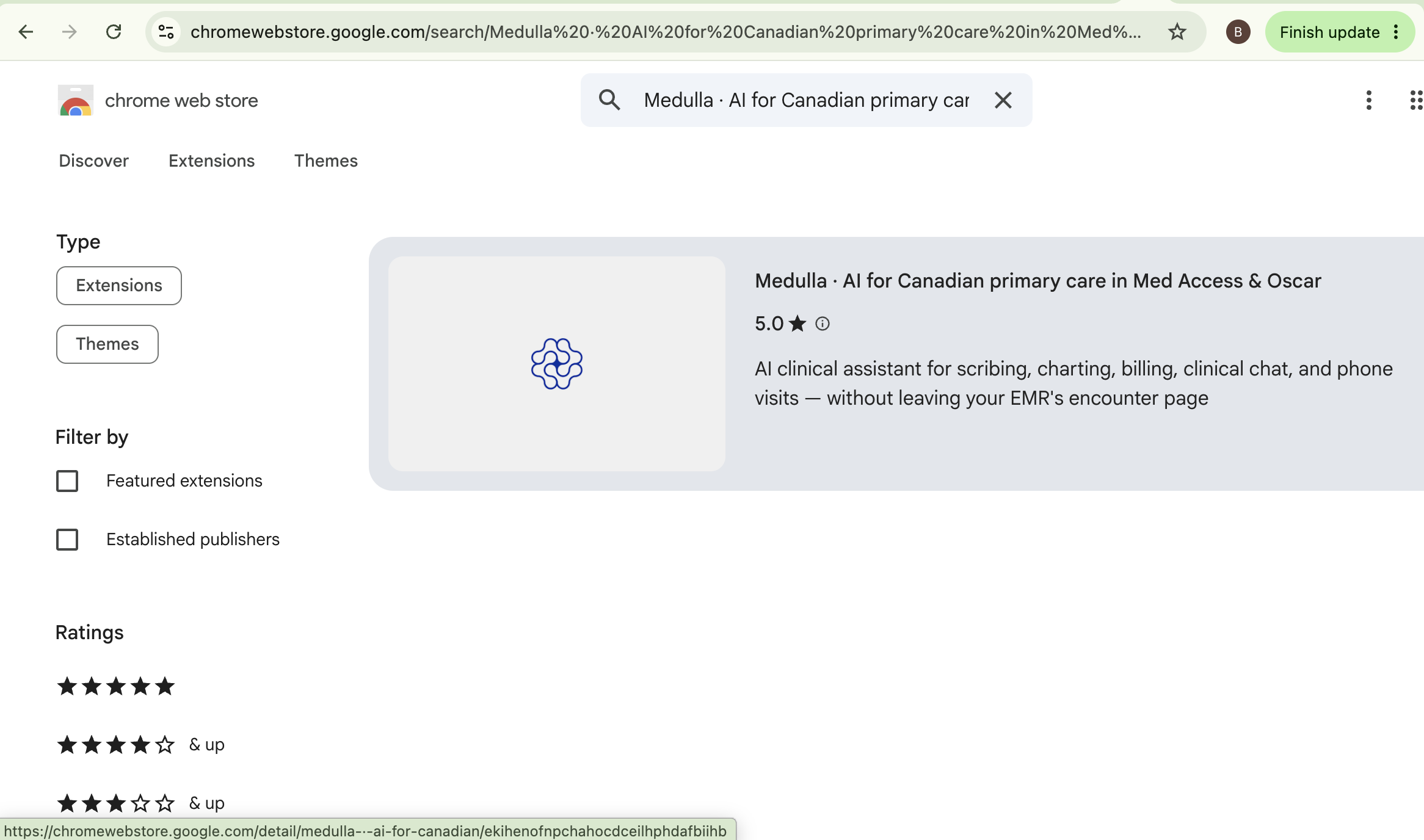
Select the Medulla listing -
Click Add to Chrome.
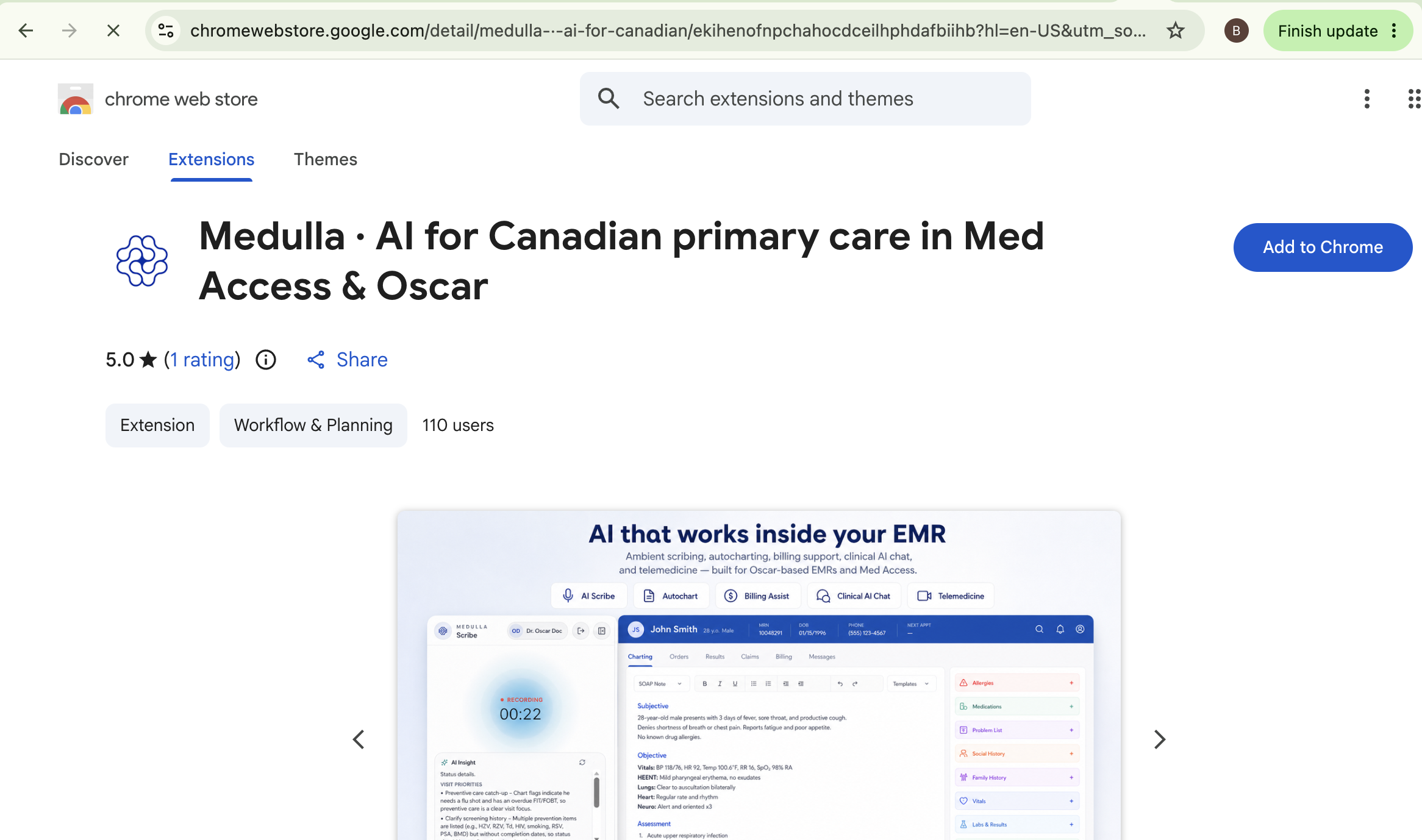
Click Add to Chrome -
Click Add extension in the confirmation popup.
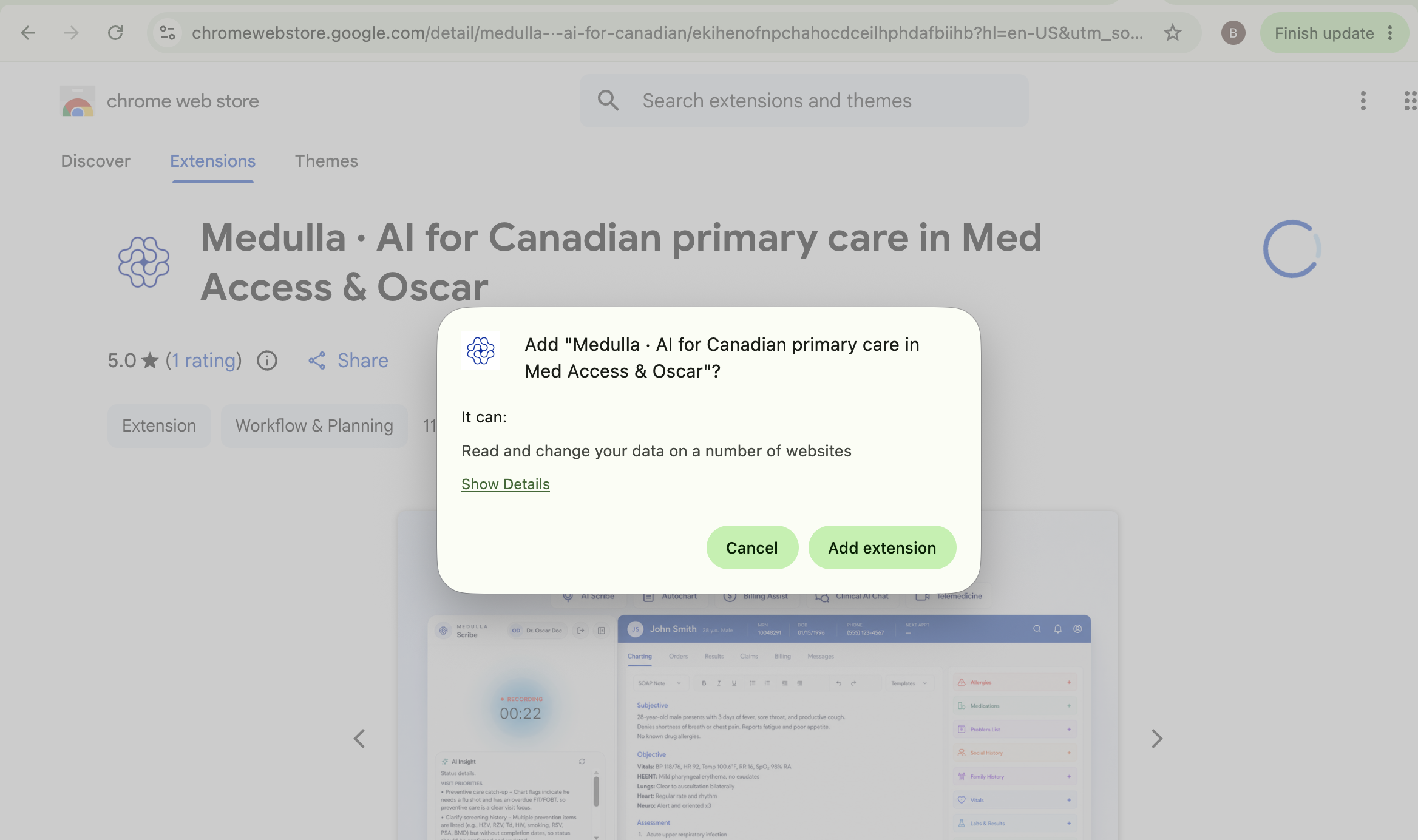
Confirm by clicking Add extension Once installed, open your EMR and sign back in to Medulla with the email address on your account.