
The Medulla web app is where you will connect your EMR to your practice, manage your account and settings, and access core features, including the ability to use Medulla directly if your EMR isn't yet supported. This guide shows how to sign in to the web app.
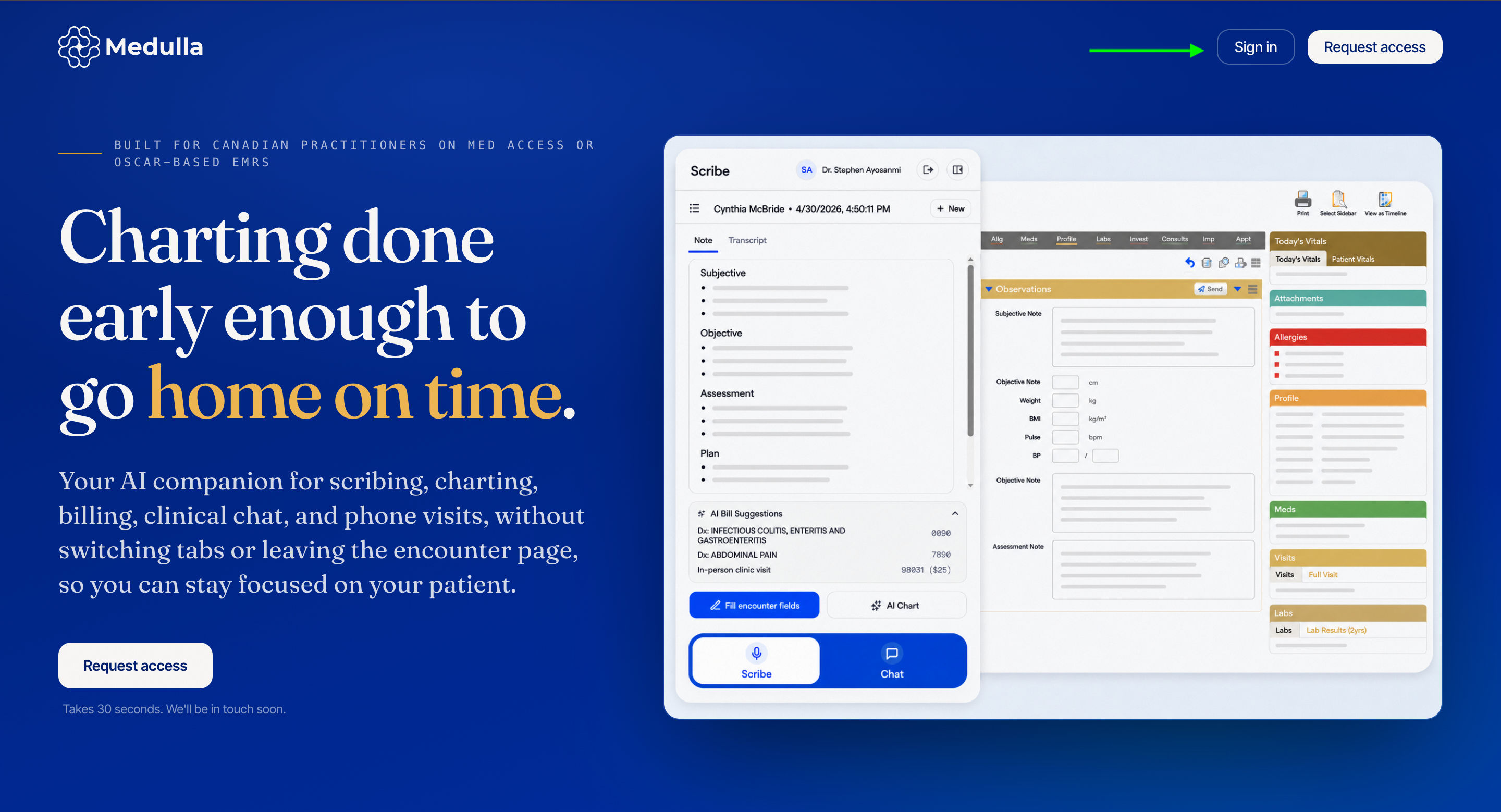
Click the Sign in button on the Home page to get started.
-
This will take you to the sign-in page below, where you will need to enter the email address you used to sign up. Then click Continue with email.
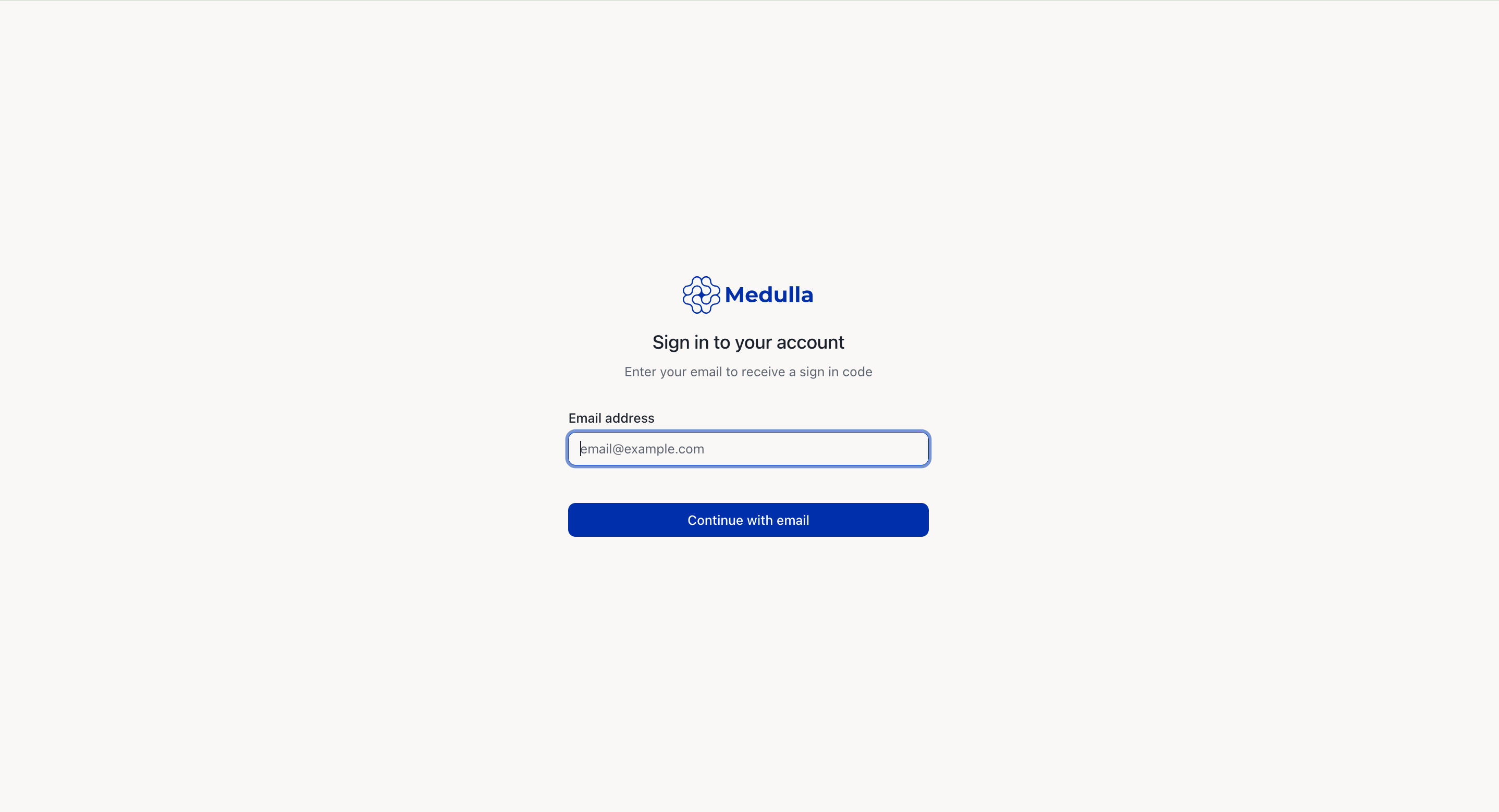
Sign-in Page -
You should receive a 6-character code in your email inbox. Enter the code and click Verify code.
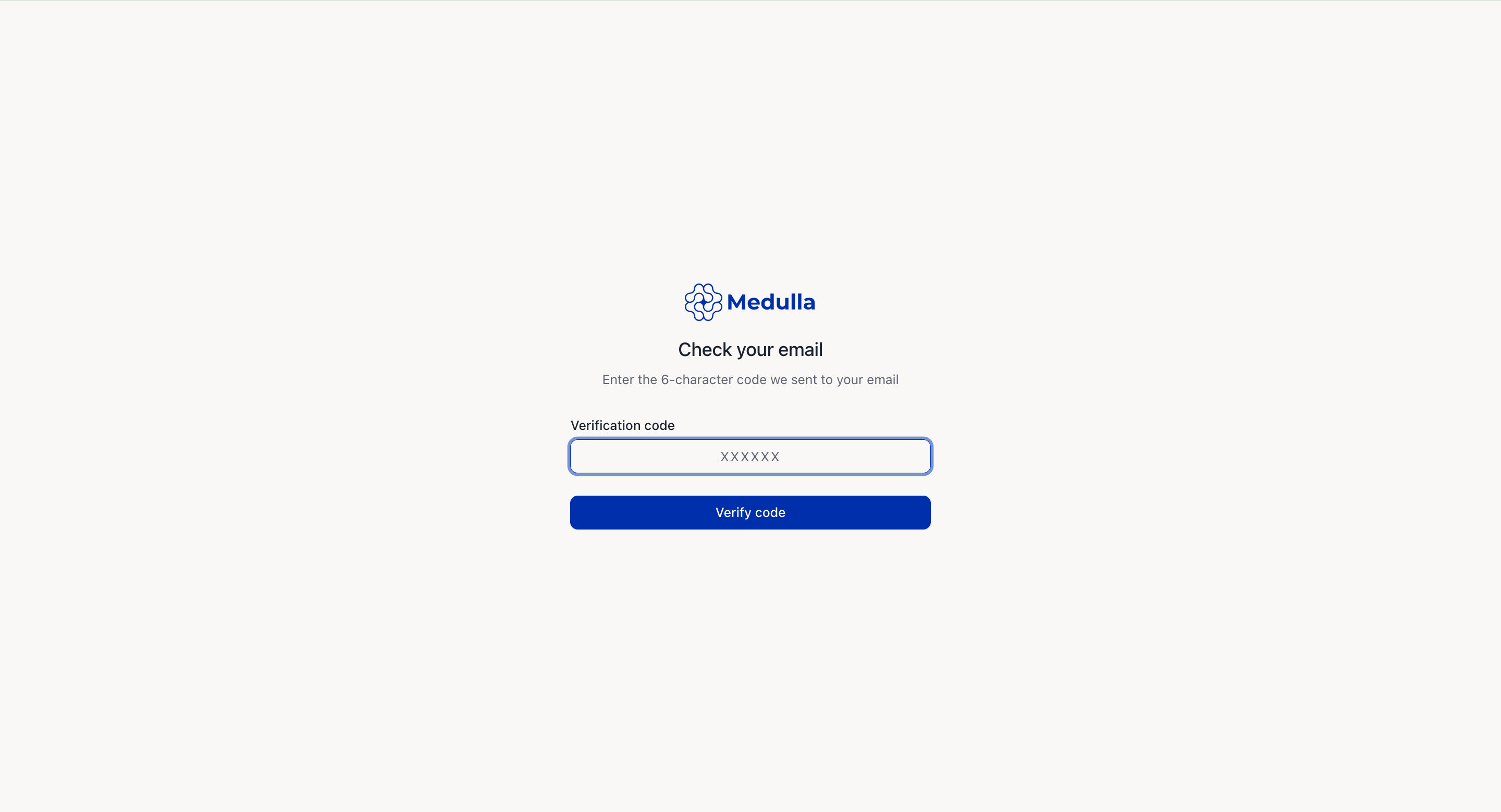
Verify Sign-in Code -
After successful verification, you will be able to select your practice or add a practice, depending on your situation.
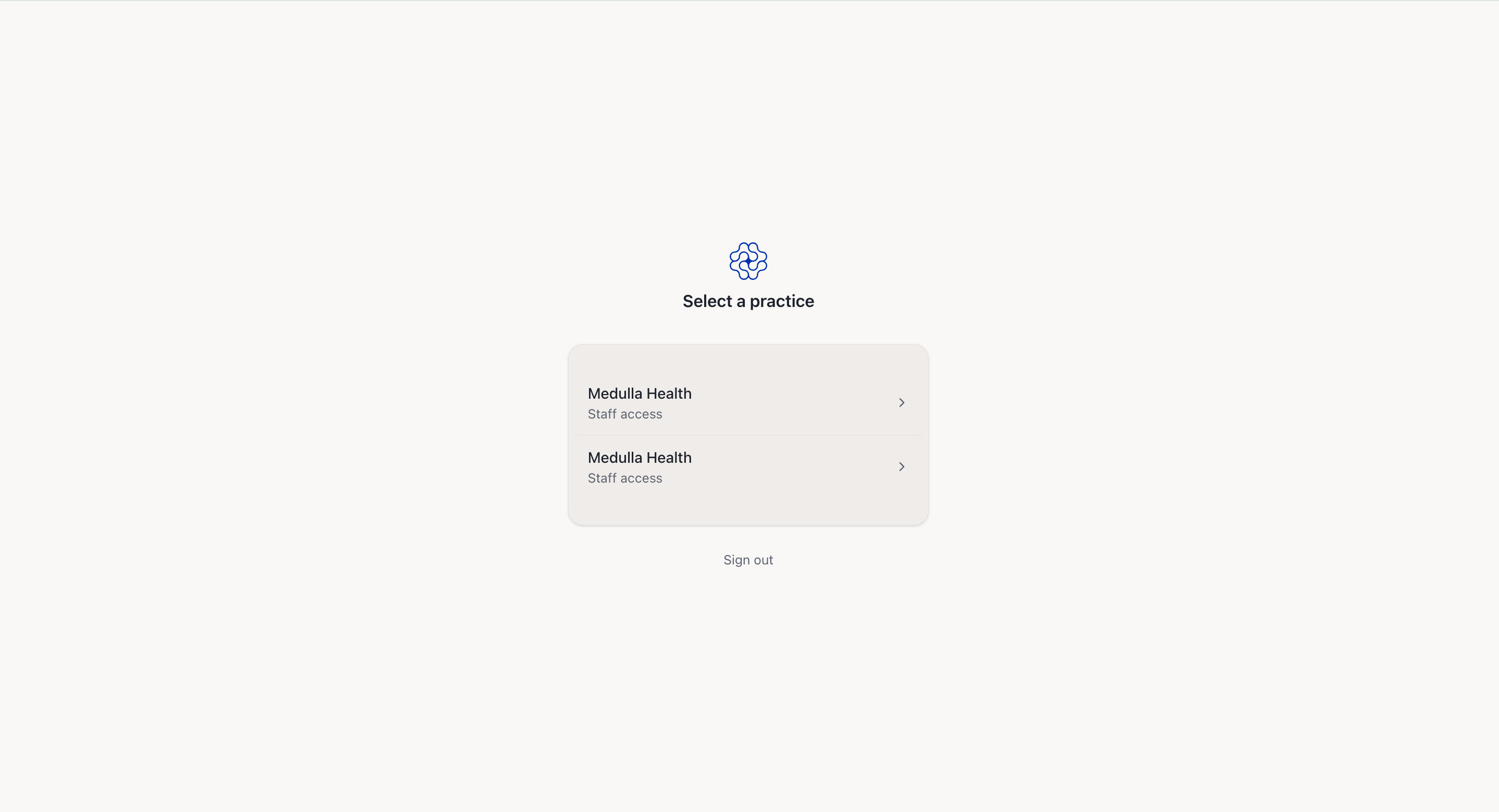
Select or Add Practice -
You will then be redirected to the Medulla web app interface, where you can explore the available features or use Medulla directly if your EMR isn't currently supported.
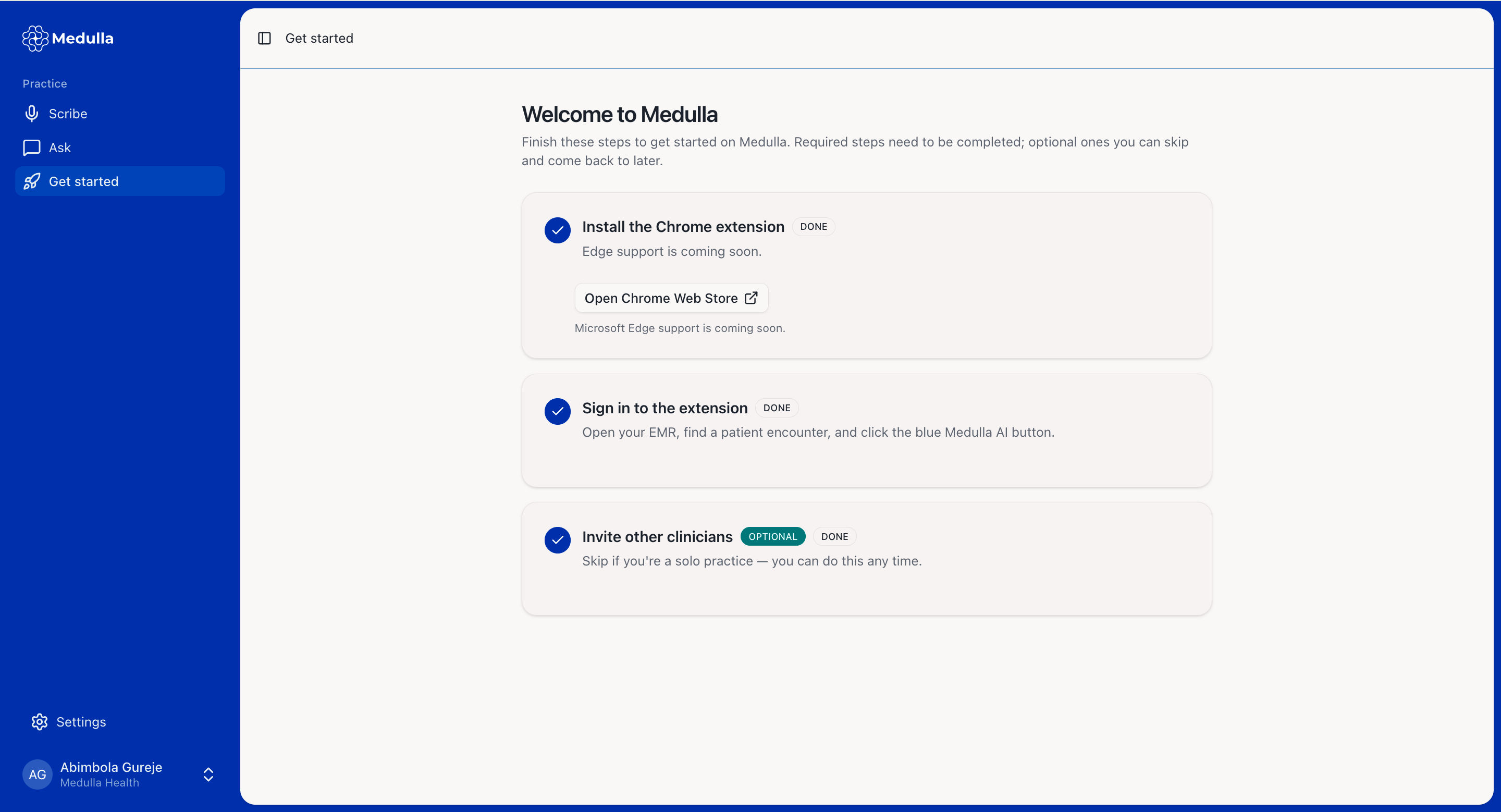
Medulla Web App Interface
-
-