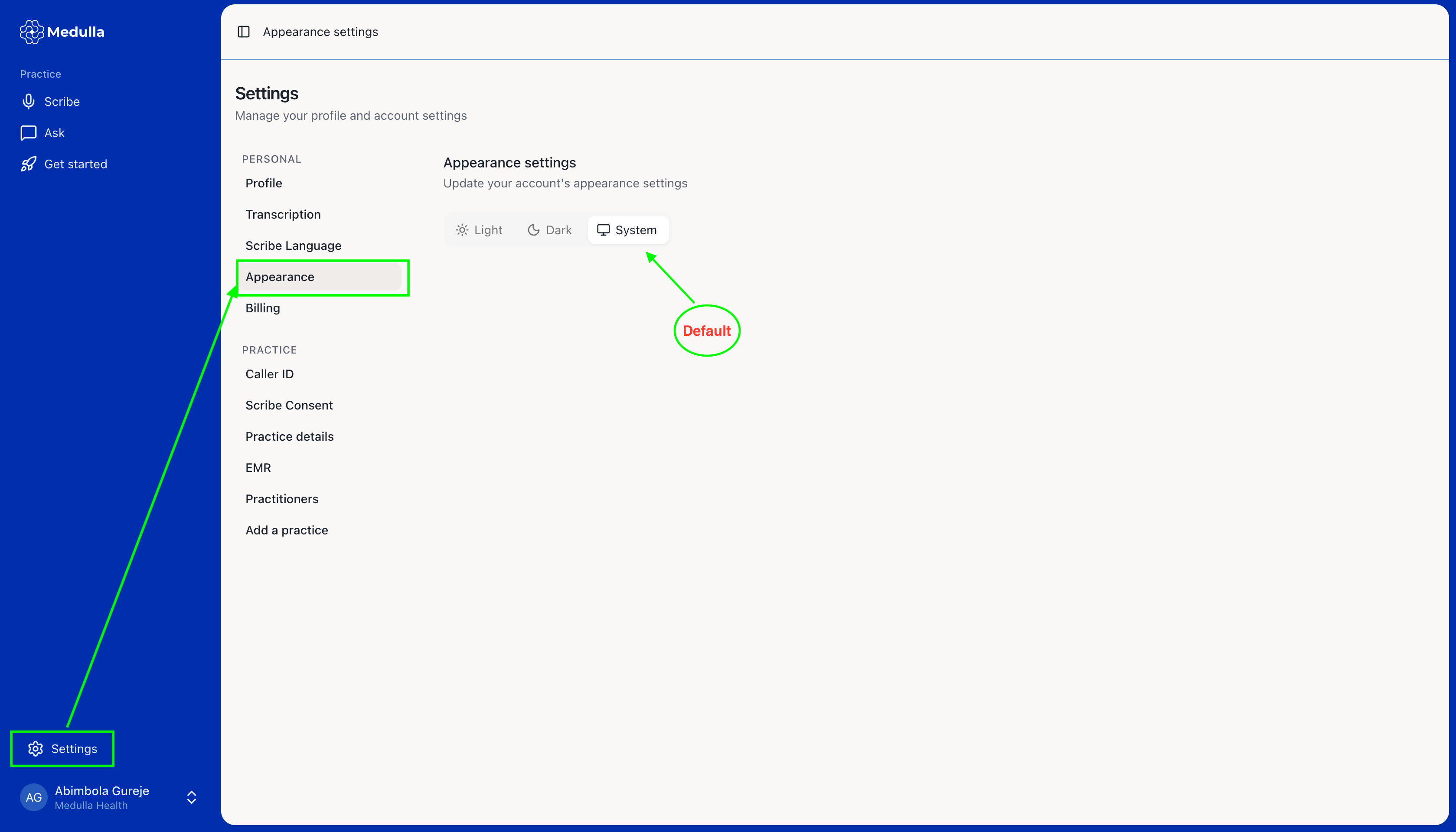
Medulla uses the system's display mode by default, but you can personalise it to suit your preference by following these steps:
Navigate to the Settings tab on the Medulla web app.
Select the Appearance tab.
Choose your preferred mode: Light, Dark, or System.
Click Save to apply your changes.